Making the right business decisions requires accurate insights—and that’s why the best online survey platforms are essential for any modern company. These tools allow businesses to collect contact information, capture voice and image feedback, and customize surveys to match their brand identity. Without such platforms, companies often rely on guesswork, slow manual processes, or incomplete feedback, which can lead to costly mistakes.
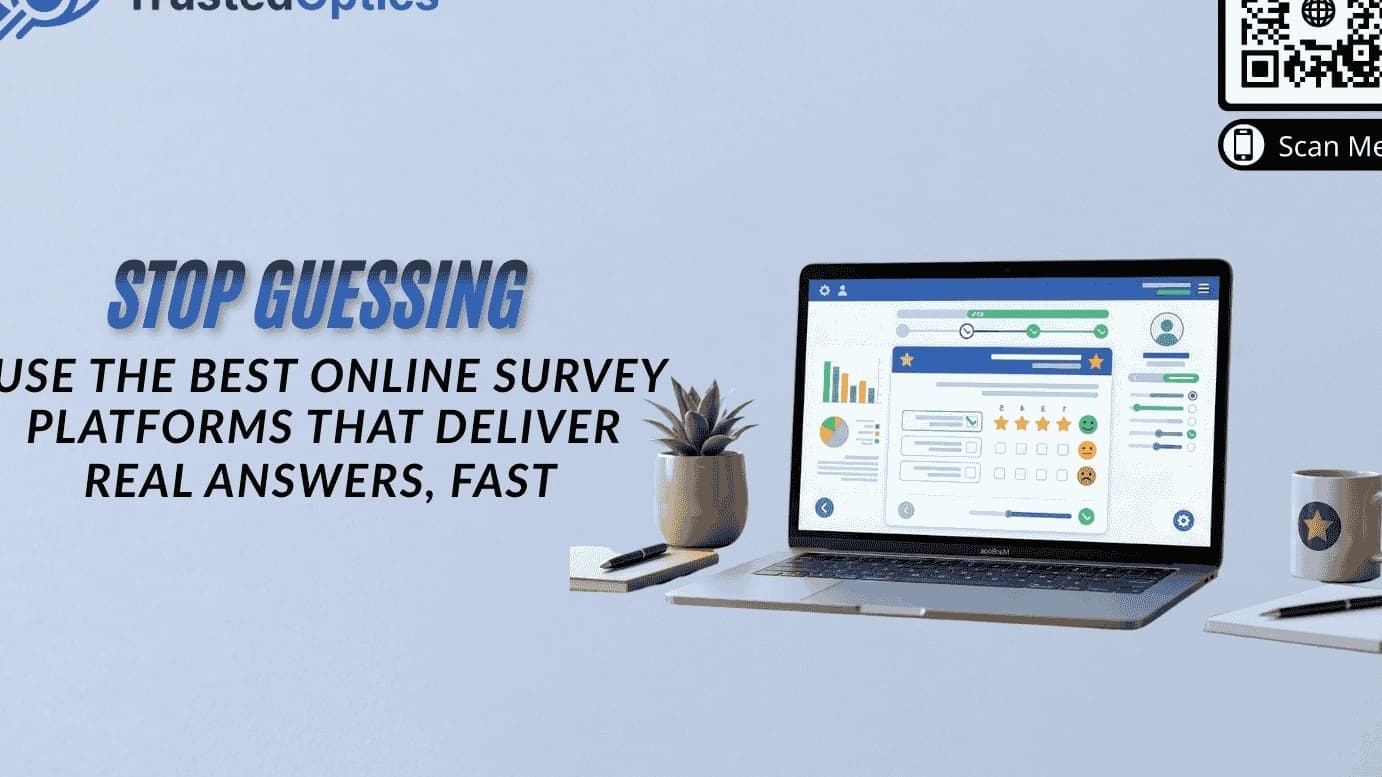
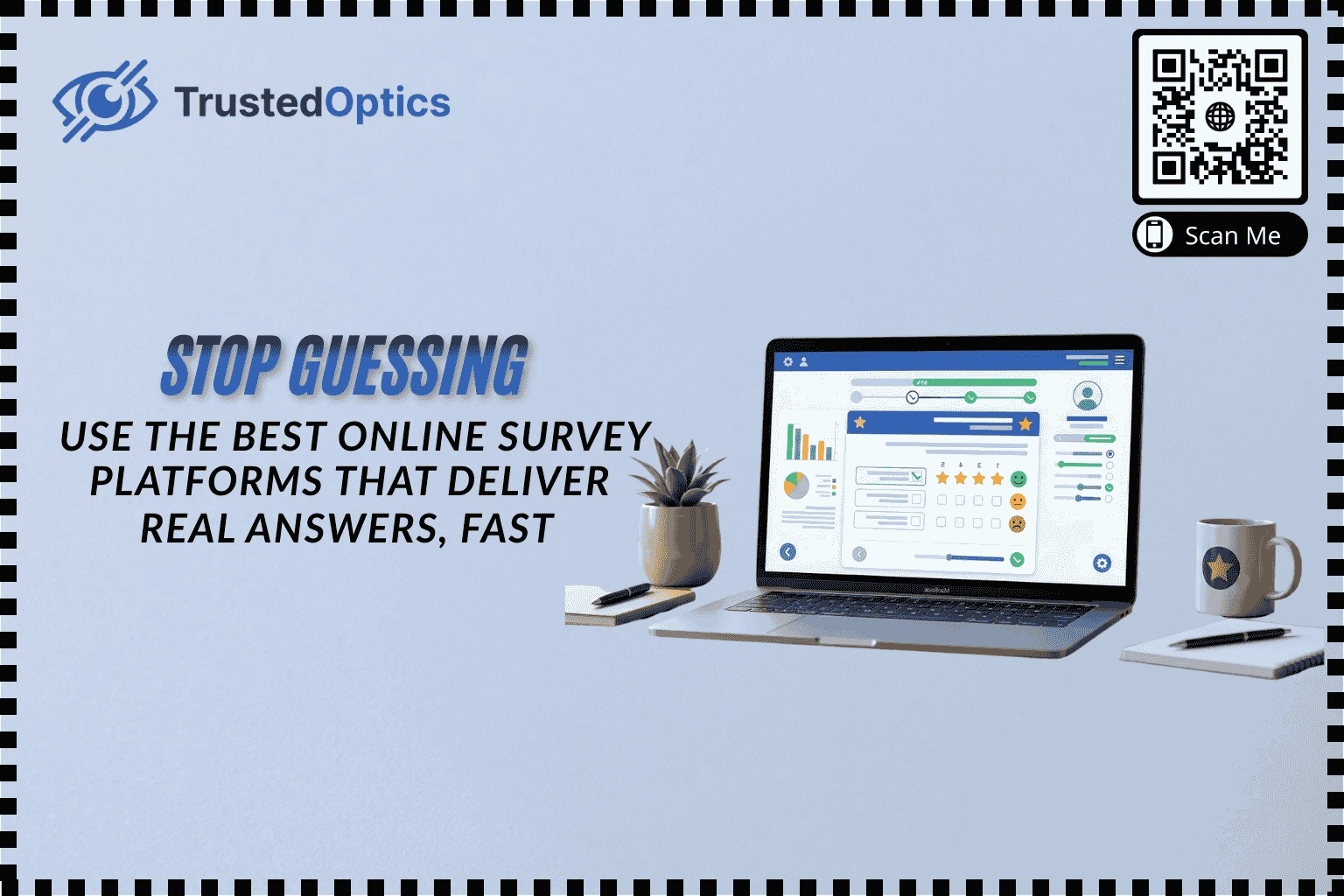
TrustedOptics offers a comprehensive survey creation system designed to help businesses capture real answers, fast. With a clean dashboard, live previews, and powerful customization options, you can quickly create professional surveys, analyze responses, and act on feedback to improve customer satisfaction, employee engagement, or product success.
Why Traditional Feedback Methods Fall Short
Even the most well-intentioned feedback campaigns often fail. Common issues include:
Low response rates: Long surveys or inconvenient channels reduce participation.
Incomplete information: Without options to collect contact information, follow-ups and personalized engagement are impossible.
Limited feedback types: Traditional forms rarely allow voice or image feedback, which can provide richer insights.
Generic surveys: Lack of brand customization lowers trust and engagement.
Slow reporting: Manual aggregation delays actionable insights, leaving decisions based on outdated or partial data.
Modern businesses need platforms that capture multiple feedback types, offer instant insights, and maintain a professional, branded experience.
What Makes the Best Online Survey Platforms
The best online survey platforms combine speed, flexibility, and usability to deliver real answers quickly. Here’s what to look for:
1. Easy Setup and Deployment
Drag-and-drop survey builders let you create surveys in minutes.
Multi-channel distribution options: email links, website pop-ups, QR codes, or social media.
Live preview shows exactly how the survey will appear on mobile or desktop, reducing errors.
2. Comprehensive Data Collection
Collect Contact Information: Emails, phone numbers, or other identifiers for follow-ups.
Voice Feedback: Customers can record messages, providing deeper insight than text alone.
Image Feedback: Upload photos to illustrate issues or showcase user experiences.
3. Brand Customization
Personalize surveys with logos, colors, and fonts to maintain brand consistency.
Custom messaging builds trust, increasing response rates.
4. Real-Time Analytics
Track survey responses immediately.
Identify trends, spot issues, and create visual reports that inform decisions fast.
5. Integration and Automation
Sync with CRMs, email marketing tools, or analytics dashboards.
Automate follow-ups based on low scores or incomplete responses.
Step-by-Step Guide to Creating a Survey with TrustedOptics
Using the TrustedOptics dashboard, you can set up a survey that captures honest feedback efficiently. Here’s how:
Step 1: Enter Basic Information
Survey Title: e.g., “Customer Satisfaction Survey.”
Description: Provide context for respondents.
Enable options such as:
Collect Contact Information for follow-up engagement.
Voice Feedback for richer insights.
Image Feedback to capture visual responses.
The live preview updates in real-time so you can see exactly how your survey will appear to respondents.
Step 2: Add Questions
Click Add Question and choose the question type:
Rating (1–5)
Multiple choice
Open-ended text
Toggle Required for essential questions to ensure complete data.
Use the live preview to confirm that question layout is intuitive and mobile-optimized.
Example: “How would you rate your overall experience?” with a 1–5 rating scale ensures clear, measurable feedback.
Step 3: Brand Your Survey
Customize colors, fonts, and logos to match your business identity.
Use the platform’s tips (like high-contrast color recommendations) to ensure readability and accessibility.
Step 4: Publish and Distribute
Share surveys via multiple channels:
QR codes at physical locations
Email campaigns
Social media links
Website embedding
Multi-location management allows you to target surveys to specific departments or branches.
Step 5: Analyze Responses
Use the live dashboard to view responses in real time.
Filter by date, question type, or department for granular insights.
Export data for reports or integrate with analytics platforms for trend tracking.
Tips for Maximizing Response Rates
Keep surveys short and focused—3–5 key questions are ideal.
Enable voice or image feedback to capture nuanced insights.
Use brand customization to build trust.
Offer small incentives to increase participation without biasing answers.
Strategically place surveys in high-engagement channels (physical or digital).
People Also Ask (PAA)
1. What are the best online survey platforms?
The best platforms offer easy setup, multi-channel distribution, customizable branding, and advanced data collection like voice or image feedback. TrustedOptics combines all of these features in one intuitive dashboard.
2. How can I collect contact information from surveys?
Most modern platforms, including TrustedOptics, allow toggles to collect emails, phone numbers, and other details, making follow-ups and personalized communication seamless.
3. Can surveys include voice or image feedback?
Yes. Voice feedback captures nuance and emotion, while image feedback provides visual context. Both features increase the depth and quality of responses.
4. How do I maintain brand identity in surveys?
Use the branding tab to apply your logo, colors, and fonts. A consistent look improves trust and engagement.
5. How quickly can I see survey results?
With real-time dashboards, results appear instantly. You can filter, segment, and export data immediately for actionable insights.
Real Testimonials
Sarah M., Retail Manager
"Using TrustedOptics, we launched surveys for all our stores in one afternoon. Customers loved the voice feedback feature—it helped us solve complaints before they escalated."
Raj K., Restaurant Owner
"The ability to collect images of customer experiences was a game-changer. We could see exactly which dishes or service points needed improvement."
Emily L., Event Coordinator
"Brand customization made our surveys look professional. Response rates increased significantly, and the dashboard gave instant insights."
FAQs
Q1: Are these survey platforms mobile-friendly?
Yes. TrustedOptics ensures surveys are optimized for any device, with live previews showing exactly how questions appear.
Q2: Can I export survey data?
Absolutely. Export responses as CSV, Excel, or PDF for reporting, or integrate with analytics tools.
Q3: How do I encourage honest answers?
Keep surveys short, anonymous, and easy to complete. Voice and image feedback options also encourage transparency.
Q4: Is it possible to track responses by department or location?
Yes. Multi-location and department filters allow targeted analysis for actionable insights.
Q5: Are incentives recommended?
Small incentives can improve participation, but the survey should remain unbiased and concise.
Final Thoughts
The best online survey platforms do more than collect data—they provide real answers quickly, allowing businesses to make informed decisions. Features like collecting contact information, voice and image feedback, brand customization, and real-time analytics ensure surveys are effective and actionable.
With TrustedOptics, businesses can implement a complete survey workflow, from creation to analysis, with a clean dashboard that’s intuitive for teams of any size. Stop guessing—start collecting real feedback today and transform insights into smarter business decisions.
Register here to start online results today!
Written by
James Conway
Contributing writer sharing insights and expertise on customer experience and business growth.